...add a project to the Edge server
- Connect to the edge server via SSH
- Login as User
- Login as root
- Go to the folder:
cd /opt/thmi-edge - Open for editing: nano app_config.xml
- Add the project to the config
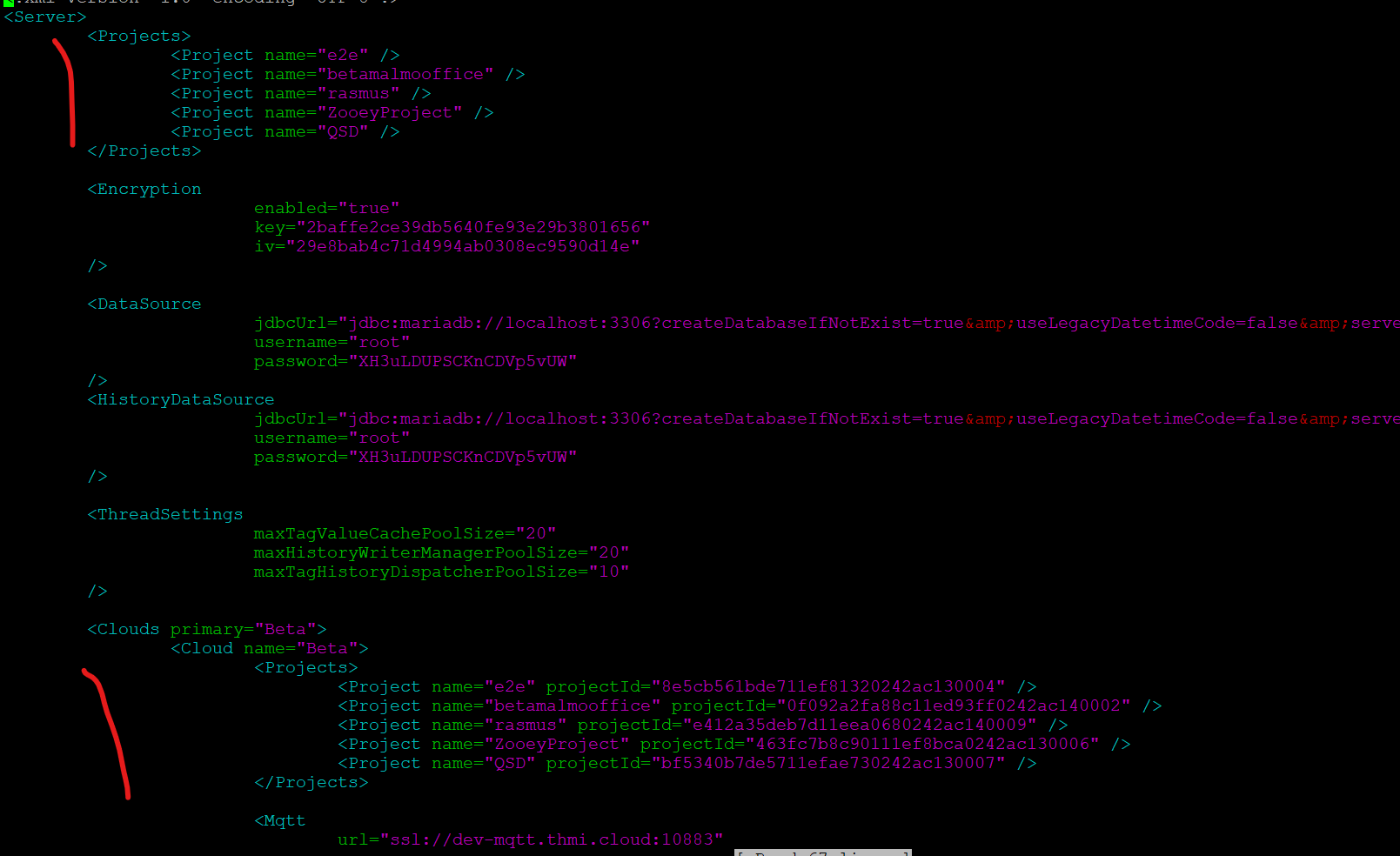
- Save the config by pressing CTRL + X, then Y, then Enter.
- Restart the edge server by running:
systemctl restart thmi-edge. - After the restart is complete, the project should have sections Tags and Alarms.
Follow the link to find the current folder for the required server.